Skip to content
Video

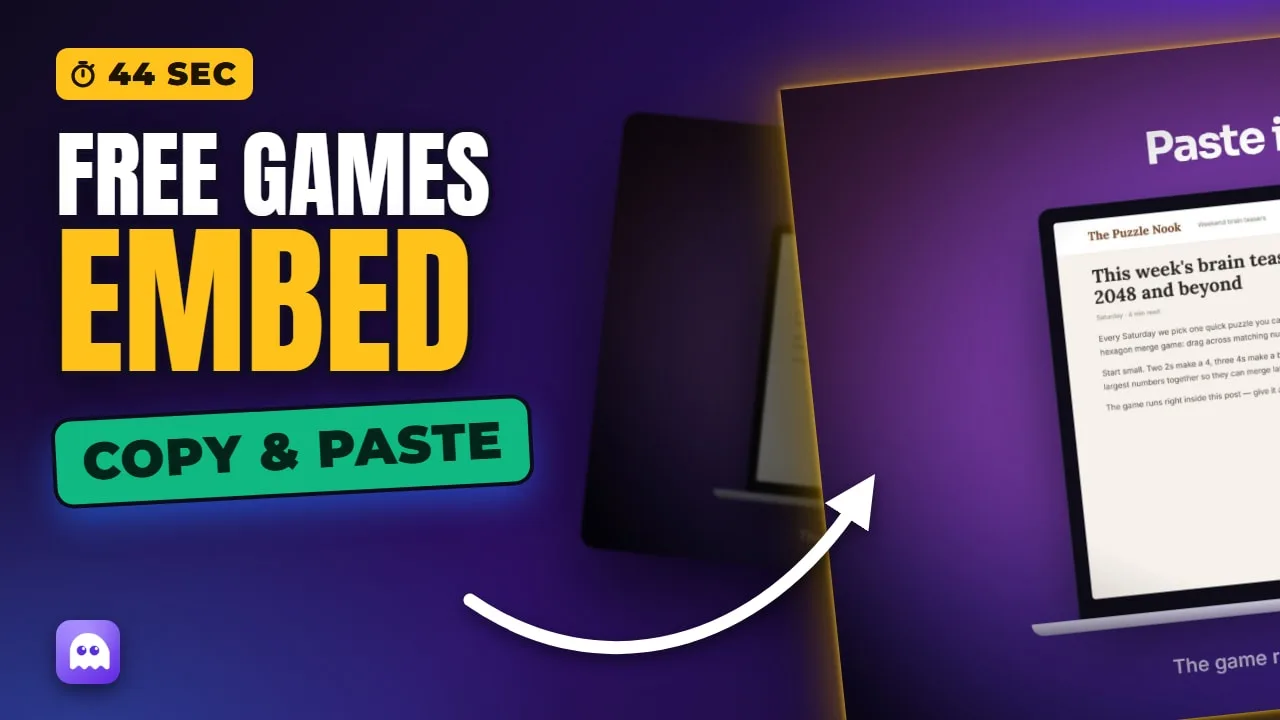
How to Add Free Games to Your Website (Copy & Paste Embed)

  • Video · 0:44
  • Published October 26, 2026
  • 7 chapters
  • Music only, no voice-over
How to Add Free Games to Your Website (Copy & Paste Embed)

Add a free, playable game to any website in three steps: open a game on OnlineGameWorlds, copy its embed code, and paste it into your page. The game runs on our servers — no hosting, no cost.

In this video

  • Step 1 — open any game and scroll to "Embed this game"
  • Step 2 — click Copy code (an iframe plus a credit line)
  • Step 3 — paste it into your page: WordPress, Wix, Webflow, Squarespace, Google Sites, Moodle, Canvas LMS, Notion or plain HTML
  • Any size: 800×450 or 1024×576 for landscape games, 360×640 or 450×800 for portrait

Chapters

  1. 0:00Add free games to your website
  2. 0:05Step 1 — open a game and find Embed
  3. 0:09Step 2 — copy the embed code
  4. 0:13Step 3 — paste it into your site
  5. 0:23Any size — it scales
  6. 0:30Free, no hosting
  7. 0:36Browse embeddable games

About this video

Embedding is free for bloggers, teachers and site owners. Games load from our servers, so there are no files to host and nothing to maintain, and students do not need to log in. The credit line under the game links back to the game page. Our own Unity games support embedding.

Play every game free

No download, no sign-up — hundreds of free games in your browser on phone, tablet or PC.