Browser games have come a long way. Thanks to HTML5 and WebGL, you can now play smooth, good-looking games instantly — no downloads, no installers, no app store. In this guide we explain why browser gaming is the fastest and safest way to play, how the technology works under the hood, and exactly where to start.
Watch: Free Browser Games
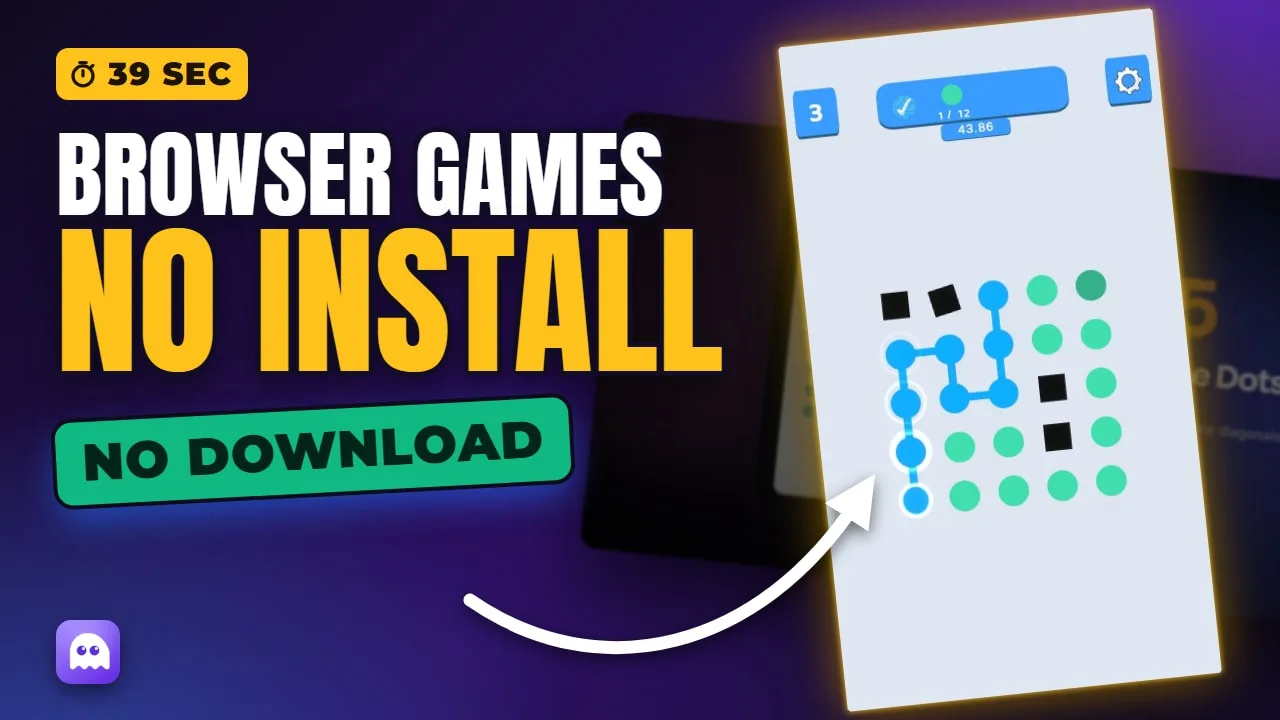
Free Browser Games: 6 free games you can play right now in your browser — no download, no sign-up.
Our picks — play them free
 #1Mahjong BlastMatch two free mahjong tiles, remove pairs, and clear the board.
 #2Color Ball HitWatch the rotating circular target.
 #3Easy Sudoku PuzzleFill the grid with numbers from 1 to 9 so that each number appears only once in every row, column, and box.
 #4King RunSwipe up to jump over obstacles.
 #5Connect The DotsTap a colored dot and draw a line to the same-color dot.
 #6Good Sorting PuzzleSelect an item by tapping or clicking it, then choose the target container to move it.
Why browser games beat downloads
A downloaded game eats storage, needs regular updates, and often asks for permissions you would rather not grant. A browser game asks for none of that — you click a link and play. There is no risk of a bad install, no gigabytes to wait for, and no leftover files to clean up afterwards. Close the tab and the game is gone; open it again and you are back in seconds.
That convenience matters most on shared or locked-down computers. School laptops, work machines, and library PCs often block installs entirely — but a browser game runs anywhere a website does. The same is true on a phone with limited storage: there is nothing to fill up.
Instant play, powered by HTML5 and WebGL
Modern web technology lets developers ship console-style visuals straight to your browser. HTML5 handles the 2D games, audio, and controls, while WebGL renders hardware-accelerated 3D graphics right inside the page. Unity WebGL games, in particular, deliver rich 3D worlds with zero installation. It all just works the moment you press Play.
None of this needs a plugin. The old days of installing Flash or Java to play a web game are long gone — HTML5 and WebGL are built into every current browser, so games load using the same technology as any other modern website.
Good to know: browser games are sandboxed
Every browser game runs inside your browser's security sandbox, isolated from the rest of your device. It cannot install software or access your files, which makes instant play one of the safest ways to game — nothing touches your system.
What kinds of games run in the browser?
Almost everything. The catalog spans quick arcade high-score chasers, relaxing casual games, competitive shooters, and deep strategy titles. Because there is no install step, it costs you nothing to try a genre you have never played before — if it is not for you, one click takes you to the next.
Where to start
Dive into a category or browse a collection — every title is a single click from playing:
Prefer to be surprised? Open the free online games collection and start at the top — it is a curated slice of the whole library, so you are never more than a click from something worth playing.
Frequently asked questions
Do browser games need Flash?
No. Modern browser games use HTML5 and WebGL, which are built into every current browser — Flash is not required and has not been for years.
Are browser games safe?
Yes. Because they run inside your browser's sandbox with nothing to install, browser games cannot touch your files or system, making them a safe way to play.
Do I need a fast internet connection?
Only for the initial load. Smaller HTML5 games load in a second or two on any connection; larger 3D Unity WebGL games take a little longer up front but run smoothly once loaded.
Will browser games work on my school or work computer?
In most cases, yes — because there is nothing to install, browser games run anywhere a website loads, even on locked-down machines that block software installs.