Play Wolfoo Tangram
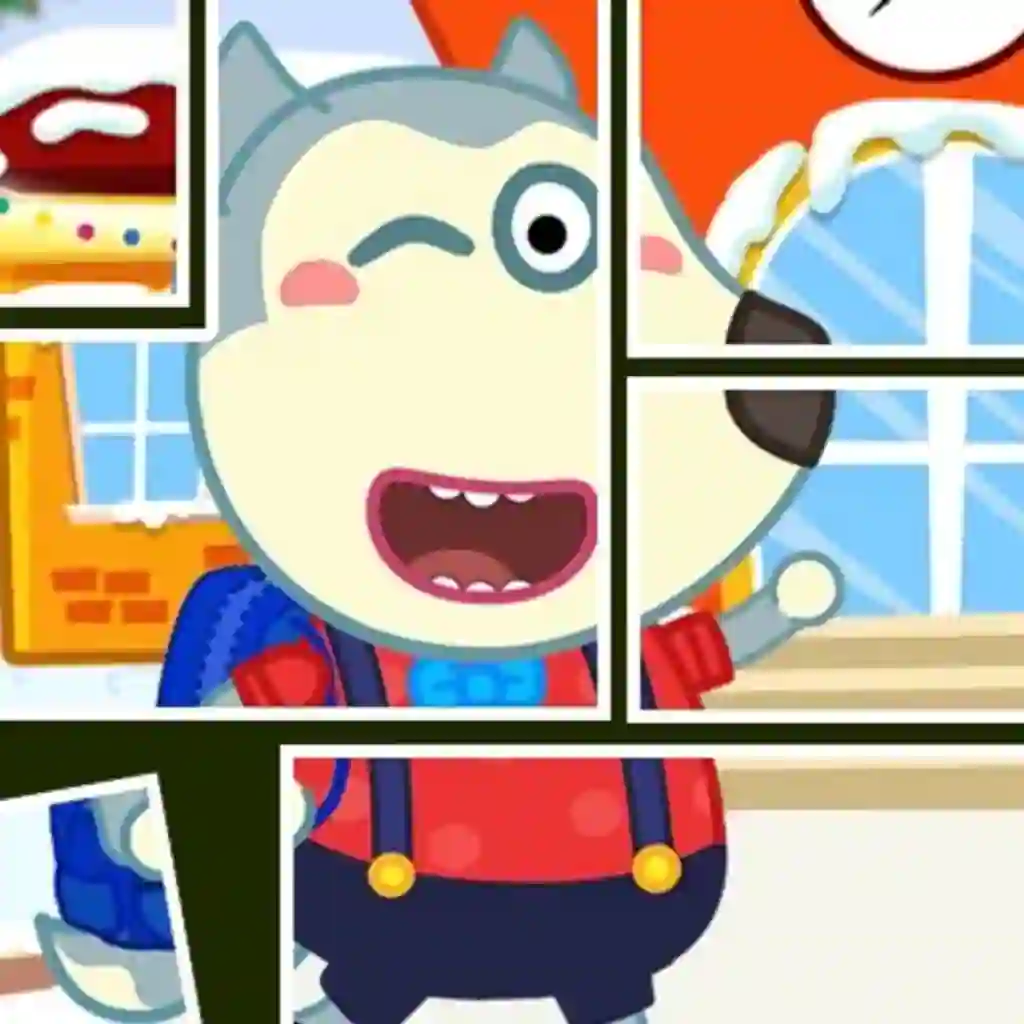
Wolfoo Tangram is a shape-fitting puzzle for younger players, built on the classic tangram idea: a picture is broken into flat geometric pieces, and the job is slotting them back into the outline they came from. There are 30 pictures to rebuild, each one resolving into a recognisable shape the moment the last piece lands. What separates it from a fixed jigsaw is that you choose the difficulty yourself before starting. Any picture can be played with as few as 4 pieces or as many as 30, so the same image works as a quick win for a small child and as a genuine challenge for someone older. You also decide whether the pieces wait tidily in a tray or start scattered across the board, which shifts the task from pure shape-matching to hunting down the piece you need first. Rotation is the part that quietly does the teaching. Pieces rarely arrive facing the right way, so a shape that looks wrong for a gap is very often the correct piece turned the wrong way round. Working that out is exactly the spatial reasoning the game is aimed at building. Dropping a piece near its correct spot snaps it into place, so younger players are never fighting with fiddly positioning. Three free hints each day are there for when a picture has someone properly stuck, and zoom helps keep the busier 30-piece layouts readable. Wolfoo Tangram is a free browser puzzle game with no download required, playable on desktop and mobile by clicking or tapping.
Game information
- Developer
- GameMonetize
- Released
- March 2025
- Last Updated
- August 2026
- Platforms
- Browser (desktop, mobile, tablet)
Video Walkthrough - Wolfoo Tangram
Watch a step-by-step video guide to master Wolfoo Tangram.
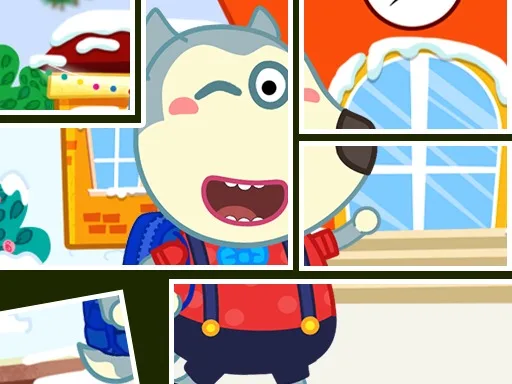
How to play Wolfoo Tangram
Tap a picture, then choose how many pieces you want to play with. Drag a piece to move it and tap it to rotate it until it sits the right way up. Drop a piece near its correct spot and it locks into place. Use the zoom buttons or the mouse wheel to get a closer look on the larger layouts, and spend one of your three daily hints if you get stuck.