Not every driving game is a race. Some of the most absorbing ones ask you to do something much harder than going fast: squeeze a car into a tight space, bring a bus to a stop at exactly the right spot, or keep a monster truck from flipping over. These simulators replace speed with precision, and they can be surprisingly satisfying and hard to put down. If racing is what you want, our separate guide covers that. Otherwise, here is what is worth driving.
Our picks — play them free
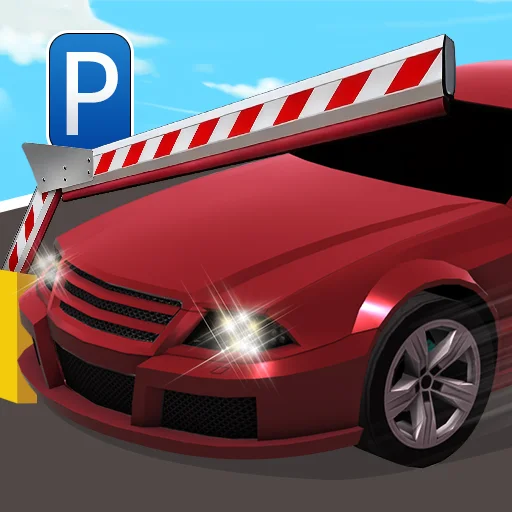 #1Car Parking Simulator 3Use W or Up Arrow to move forward, S or Down Arrow to reverse, and A or D (or Left and Right Arrows) to steer.
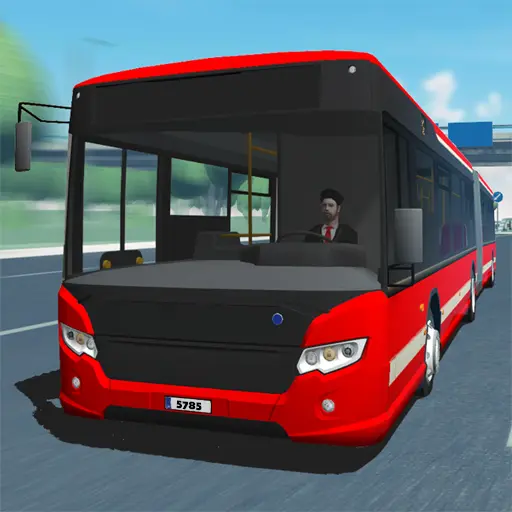 #2Bus Simulator UltimateUse W or the up arrow to accelerate, S or the down arrow to brake and reverse, and A or D (or the left and right arrows) to steer.
 #3Fire Truck Rescue DrivingClick or tap to drive your fire engine through city streets to the emergency scene.
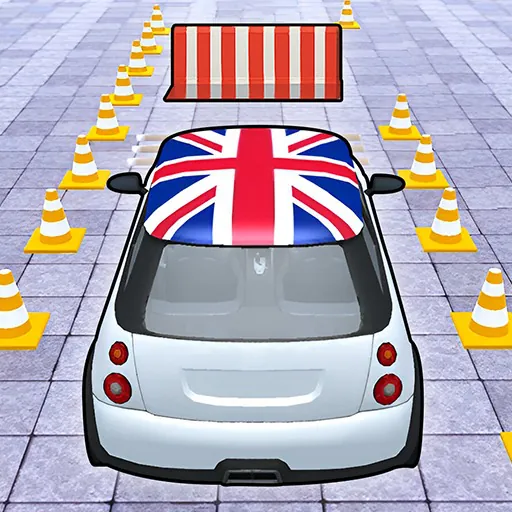 #4Car Parking ChallengeDrive to the parking spot without hitting obstacles.
 #5School Bus Simulator 3DUse the arrow keys or WASD to steer and control speed.
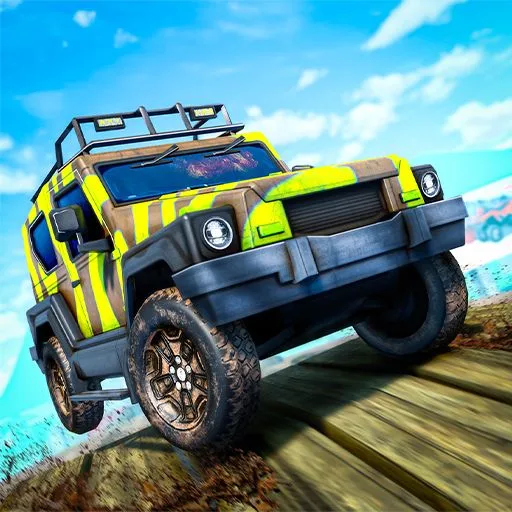 #6Monster Truck OffroadPress the Up Arrow or W to accelerate and the Down Arrow or S to brake or reverse.
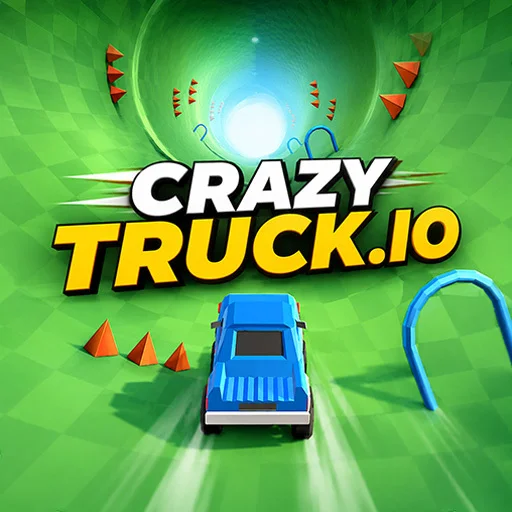 #7Crazy Truck StuntUse W or Up Arrow to accelerate, S or Down Arrow to brake, and A or D (or Left and Right Arrows) to tilt the truck forward or backward mid-air.
 #8Truck SlamUse the keyboard arrow keys or WASD to accelerate and steer your truck.
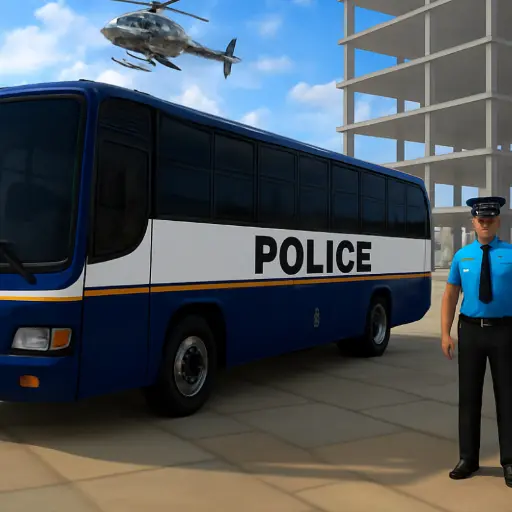 #9Police Bus SimulationUse W or the Up Arrow to accelerate, S or the Down Arrow to brake, and A or D (Left or Right Arrow) to steer the bus through city streets.
Car parking games
Parking games turn one of the most nerve-racking parts of real driving into a relaxed puzzle. In Car Parking Simulator 3, you use W and S or the arrow keys to move forward and reverse, A and D to steer, and an overhead camera helps you judge your distance. Car Parking Challenge works like a driving school test: you follow traffic signs and reach the parking spot, and hitting an obstacle sends you back to try again. Because the speed is low, these depend entirely on patience and spatial sense.
Parking tips
- Go slowly. Tiny taps on the accelerator give you far more control than holding it down.
- Remember which wheels steer. Going forward, the front swings out, while in reverse, the rear of the car leads the turn.
- Use the whole space. Swing wide before a tight turn, just as you would in a real car.
- Change the camera angle if the game allows it. A top view is often the easiest way to judge the gaps.
- Correct early. It is easier to straighten up during a move than to reverse out and start over.
Bus simulators
Buses bring a bigger vehicle and a job to do. In Bus Simulator Ultimate, you drive with the usual keys and pull up at highlighted stops to pick up passengers. School Bus Simulator 3D follows on-screen route indicators as you stop at pickup zones and carry students to their destination. Police Bus Simulation applies the same idea to a police bus travelling through city streets. The real challenge is length: a bus needs much wider turns than a car, and clipping a corner is the most common mistake. Take your time at junctions.
Emergency vehicles
Few things feel as good as driving a fire engine through town. Fire Truck Rescue Driving sends you through city streets to an emergency scene, and you need to steer carefully around other traffic, since a fire truck is big and needs wide turns. It adds some urgency to the simulator format without turning into a race, and it is a popular choice with younger drivers, who will enjoy the idea of rushing to the rescue.
Truck and stunt games
At the other end of the scale are games that want you to be reckless. In Crazy Truck Stunt, you build speed to clear jumps and use A and D to tilt the truck while it is in the air. Monster Truck Offroad uses the same tilt idea on rough ground, where keeping your wheels on the terrain is the main challenge. Truck Slam has you hitting ramps at the right angle, on keyboard or on touch controls. The key skill in all of them is balance: too much tilt, and you land on your roof.
Tilt in the air, not on the ground
In stunt games, use your tilt keys in small corrections as you approach a landing. Aim to touch down with both axles at once, as landing flat keeps your speed and saves you from flipping.
Controls: keyboard or touch?
Many of these games are designed around a keyboard, with WASD or arrow keys for steering, and those can be much easier on a computer. Some also offer on-screen controls for phones and tablets, and tap-driven games like Fire Truck Rescue Driving are comfortable on a touch screen. If a game feels too twitchy, remember that it is usually better to tap the keys than to hold them, because that gives you finer control over your speed and steering.
Will they run on my computer?
3D driving games ask a bit more of your device than simple puzzles, though most run well on an ordinary laptop. If a game feels sluggish, close other browser tabs, make sure your browser's hardware acceleration is on, and update your browser. Our guide to 3D browser games explains more about what lets these games run so well without a download, and the car games page lists everything we have with wheels. If you do want a race after all that careful parking, head over to our free racing games guide.
Why slow driving is so satisfying
It may seem odd that people enjoy parking and bus routes, tasks many of us avoid in real life. But simulators remove what makes the real thing stressful: there is no one waiting behind you, no real damage to worry about, and you can try again immediately. What remains is the pleasure of doing something precisely. Sliding a long bus neatly up to a stop, or reversing into a tight space on the first attempt, gives you a small sense of mastery that a fast race does not.
It is also a good way to practise patience. Rushing is the quickest way to fail a parking level, so these games gently reward you for slowing down, taking a look around and making small, careful corrections. Many players find that restful after a busy day, and it is a pleasant change from racing.
Frequently asked questions
Are these driving games free?
Yes. They all run free in your browser with no download or sign-up.
What are the controls for driving games?
Usually WASD or the arrow keys on a computer. Some games also have touch controls for phones and tablets.
How do I get better at car parking games?
Go slowly, tap the keys rather than holding them, swing wide before tight turns, and correct your line early.
Do driving games work on low-end laptops?
Most do. If a 3D game feels slow, close other tabs and check that hardware acceleration is turned on in your browser.