Ever wondered how a browser can run a smooth 3D game with no installation? The answer is Unity WebGL — the technology behind some of the best-looking free online games. This guide explains what it is, why these games sometimes take a moment to load, and where to find the very best ones to play for free.
Our picks — play them free
 #1Mahjong BlastMatch two free mahjong tiles, remove pairs, and clear the board.
 #22248 Number PuzzleFree offline number merge puzzle: connect the same numbers vertically and horizontally, swipe to combine 1024, 2048, 4096 and beyond.
 #3King RunSwipe up to jump over obstacles.
 #4Water Sort PuzzleTap a bottle to pour water into another.
 #5Color Ball HitWatch the rotating circular target.
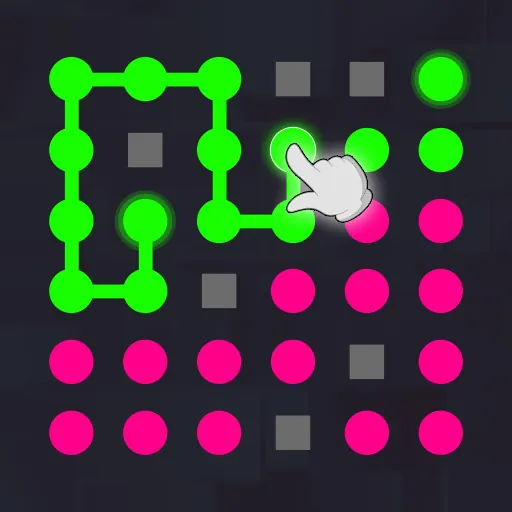 #6Connect The DotsTap a colored dot and draw a line to the same-color dot.
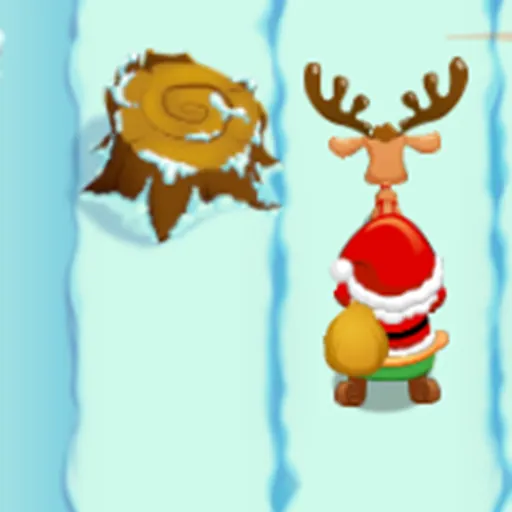 #7Santa Gift RunnerSanta rides forward automatically.
What is a Unity WebGL game?
Unity is one of the world's most popular game engines, powering a huge share of the games you already know. WebGL is a browser standard for rendering 3D graphics using your device's GPU. Put them together and developers can export console-style games that run directly in your browser tab — no app, no download, no waiting for an install. The game is delivered like a web page and rendered like a native app.
Why players love them
Unity WebGL bridges the gap between the polish of downloaded games and the convenience of the browser. That combination is why the genre has exploded:
- Rich 3D visuals and real physics, running in the browser
- Instant play — nothing to install, patch, or update
- Cross-device: the same game on phone, tablet, and desktop
- Safe: everything runs inside the browser sandbox
Why do Unity WebGL games take a moment to load?
A 3D game has more to deliver than a simple 2D one — models, textures, audio, and the engine itself all download on first load. Modern games compress this heavily (often with Brotli or Gzip), so the wait is usually just a few seconds. Once that initial load finishes, the game runs entirely on your device and stays smooth. A loading bar is not a bug; it is the game streaming itself to your browser so it never has to be installed.
Tip: let the first load finish
If a 3D game shows a progress bar, give it a few seconds to reach 100% before interacting — it is downloading the world once so play stays smooth afterwards. On a slower connection, larger titles load fastest on Wi-Fi.
Where to play the best Unity WebGL games
Explore action-packed 3D titles in the action games and racing games categories, or jump straight to the best online games collection for our top picks across the whole platform. Many of the most-played games on the site are Unity WebGL builds, so you are often playing this technology without even realizing it.
Frequently asked questions
Do Unity WebGL games need a download?
No. Unity WebGL games load and run entirely in your browser — there is nothing to install. The initial load streams the game to you, then it runs on your device.
Will Unity WebGL games work on mobile?
Most Unity WebGL games run in modern mobile browsers, though larger, graphics-heavy 3D titles perform best on newer phones and tablets.
Why does a Unity game show a loading bar?
The loading bar shows the game streaming its assets — models, textures, and the engine — to your browser on first load. Once it reaches 100%, everything runs locally and smoothly.
Are Unity WebGL games free to play?
Yes. Every Unity WebGL game on OnlineGameWorlds is free to play instantly in your browser, with no download or purchase required.