The app store model asks a lot for a game you might play twice: a few hundred megabytes, a permissions prompt, an account, and a permanent icon on your home screen. Browser games ask for none of it. You tap a link and you are playing, and when you are done there is nothing left behind. This guide explains why the browser is often the better place to play on a phone, how to tell a genuinely touch-designed game from a desktop game with buttons drawn on, and how to keep your favourites one tap away.
Our picks — play them free
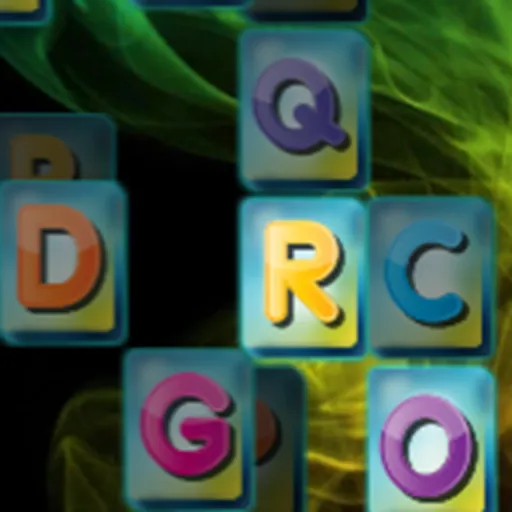 #1Mahjong BlastMatch two free mahjong tiles, remove pairs, and clear the board.
 #2Water Sort PuzzleTap a bottle to pour water into another.
 #3King RunSwipe up to jump over obstacles.
 #4Triple Tile Match PuzzleTap tiles to select them.
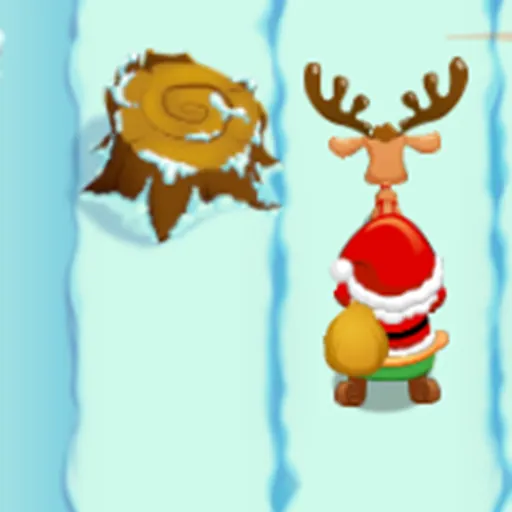 #5Santa Gift RunnerSanta rides forward automatically.
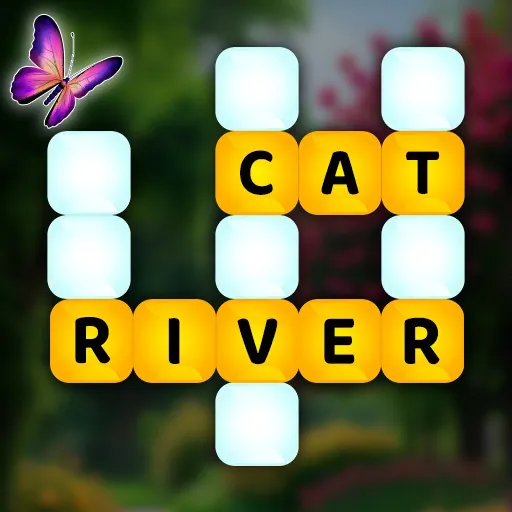 #6Word Wonders PuzzleSwipe letters to form correct words and fill all crossword blanks.
What you save by not installing
The cost of an app is not just storage, though a modern mobile game routinely takes more space than every browser game you will ever play combined. It is also the update that downloads over mobile data, the permissions you grant without reading, the notifications you did not ask for, and the account created just to see a main menu.
A browser game removes all of that. Nothing is installed, nothing runs in the background, and closing the tab genuinely ends it. For a game you want to try rather than commit to, that is a far better trade — and it is why so much casual play has moved back to the browser.
How to spot a game built for touch
The single biggest quality difference in mobile browser gaming is whether a game was designed for a touchscreen or merely adapted to one. You can usually tell within a few seconds:
- Large targets you hit with a thumb, not small buttons meant for a cursor
- Controls at the bottom corners where thumbs actually rest
- Gestures — swipe, drag, tap — rather than a virtual joystick
- Portrait orientation, or a proper landscape layout instead of a squashed one
- No hover-dependent information, since a finger cannot hover
That last point is the giveaway. If a game hides something important behind a mouse hover, it was built for a desktop and never truly reworked. Games that fail this test tend to be frustrating in ways that have nothing to do with their actual design.
The genres that suit a phone best
Phone sessions are short and often one-handed, which favours particular kinds of game:
Racing is the surprise on that list, but tilt steering and simple accelerate-and-brake controls suit a phone extremely well. Our free racing games guide covers which control schemes to look for.
Add a game to your home screen
Most mobile browsers can save a page as a home-screen icon — in Safari it is Share then Add to Home Screen, and in Chrome it is the menu then Add to Home screen. The result looks and opens like an app, launches straight into the game, and still installs nothing. It is the best of both models.
Battery, data, and playing offline
Browser games are usually lighter on battery than installed games because they are smaller and simpler, though 3D titles still work the GPU hard and generate heat. Data use is modest: assets download once at the start and are cached afterwards, so a second session on the same game often uses almost nothing.
One honest limitation: you need a connection to load a game the first time. Once cached, many will start again offline, but that is a browser behaviour rather than a guarantee. If you know you will be without signal, load what you want to play beforehand.
Where to start on a phone
Every game on the site runs on mobile, so the fastest route is the best online games collection or the free online games library. If you are just looking to fill ten minutes, our games to play when bored guide is built for exactly that.
Frequently asked questions
Can I play games on my phone without installing an app?
Yes. Browser games run entirely in your mobile browser with nothing installed, no permissions granted, and no account required. Closing the tab ends the game completely.
Are browser games on a phone as good as app games?
For casual play, often better — there is no download, no update, and no storage cost. Apps still win for very large games with hundreds of hours of content, but for a game you want to try, the browser is the lower-risk option.
How do I add a browser game to my home screen?
In Safari, tap Share then Add to Home Screen. In Chrome, open the menu and choose Add to Home screen. It creates an app-like icon that opens straight into the game while still installing nothing.
Do mobile browser games work offline?
You need a connection the first time so the game can load. Many will start again from cache afterwards, but that depends on your browser rather than being guaranteed, so load anything you want in advance of losing signal.