"Unblocked games" is one of the most searched phrases in all of browser gaming, and one of the most misunderstood. It has come to mean several different things depending on who is typing it, and most of the pages chasing the term never explain any of them. This guide does: what the phrase actually refers to, why school and workplace networks filter game sites at all, what genuinely makes a game playable on a locked-down Chromebook, and how to stay on the right side of the rules while still having something to play.
Our picks — play them free
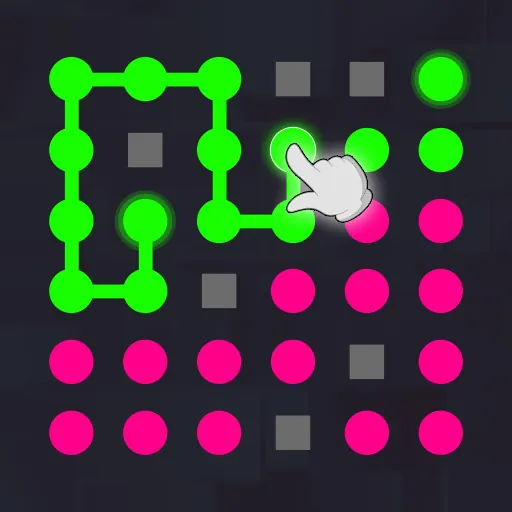 #1Connect The DotsTap a colored dot and draw a line to the same-color dot.
 #2Water Sort PuzzleTap a bottle to pour water into another.
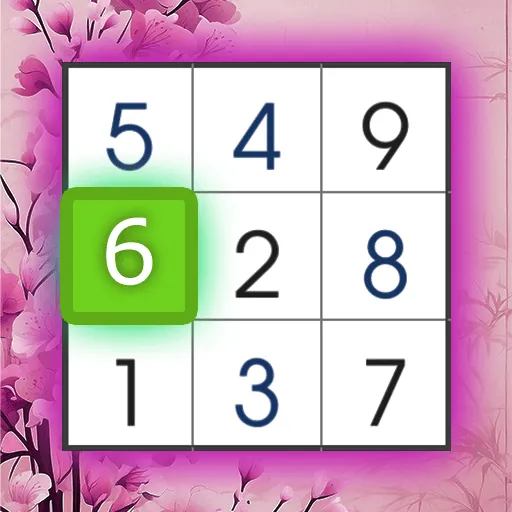 #3Easy Sudoku PuzzleFill the grid with numbers from 1 to 9 so that each number appears only once in every row, column, and box.
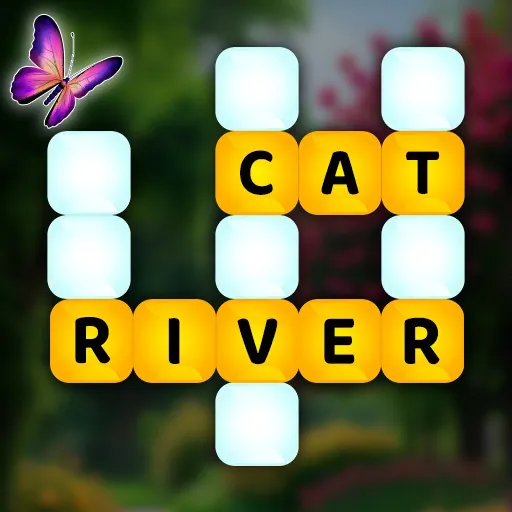 #4Word Wonders PuzzleSwipe letters to form correct words and fill all crossword blanks.
 #5Math Sticks PuzzleFix mathematical equations by moving one or two matchsticks.
 #6Find the DifferencesCompare two pictures to uncover more than 5 differences.
What people actually mean by "unblocked"
The phrase gets used for three quite different things. The first is technical: a game that loads without needing plugins, installers, or ports that a restricted network closes off. The second is practical: a game light enough to run on the low-powered, heavily-managed laptops handed out by schools. The third is the one most people assume — a site that has slipped past a content filter. Only the first two are things a game can genuinely be, and they are the two worth caring about.
That distinction matters because it changes what you should look for. A game built on modern HTML5 and WebGL has no plugin to install and no separate application to launch, so it works in situations where a downloadable game simply cannot. That is a real property of the game itself, not a trick played on a network.
Why networks block game sites in the first place
It is rarely personal. School and office networks are usually filtered for three practical reasons: bandwidth, safety, and focus. A few hundred devices streaming game assets at once can saturate a connection that also has to carry lessons and administration. Filters also block ad networks and chat features wholesale because they are difficult to moderate for a young audience. And, plainly, institutions would rather people were working.
Understanding the reason is useful, because it tells you what a network administrator is actually objecting to. A lightweight game with no chat, no downloads, and no heavy streaming is a very different proposition from an unmoderated multiplayer lobby — and it is often the whole category that gets blocked rather than any specific title.
Worth saying plainly
If your school or workplace has a policy about games on its devices or network, follow it. Proxies, mirror domains, and VPNs designed to defeat a filter tend to be against the acceptable-use policy you agreed to, and on a managed device they are usually logged. Break time on your own phone or home connection is the answer this guide recommends.
What makes a browser game work on a school Chromebook
Managed laptops are typically modest hardware with limited storage and no permission to install anything. That rules out most of the games people think of first, and it rewards a very specific kind of design:
- Runs entirely in the browser tab — nothing to install, no admin rights needed
- Small download footprint so it loads on a shared connection
- Modest graphics that do not need a dedicated GPU
- Keyboard or mouse controls, since touchscreens are not guaranteed
- No account required, so a single break is not spent on a signup form
Those constraints are exactly what our Chromebook browser games guide goes into properly, and they are why puzzle, arcade, and card games hold up so much better on school hardware than anything trying to look like a console release.
Genres that suit a short break
A free period or a lunch break is fifteen minutes, not two hours. The genres that fit are the ones with a short loop — you can start, finish something satisfying, and close the tab without losing progress:
If you want the shortlist rather than the whole library, our best online games collection is the fastest way in, and free online games covers the entire free catalogue.
A note for teachers and IT staff
Not everyone searching this term is a student trying to get around you. Plenty of teachers look for browser games deliberately — logic puzzles for a cover lesson, word games for a language class, typing practice for younger years. Instant-play HTML5 games are genuinely useful there precisely because they need no installation and no per-pupil licence. If that is why you are here, the brain training games and word games guides are the two most relevant starting points.
Frequently asked questions
What does "unblocked games" actually mean?
It is used for three different things: games with no plugin or installer to block, games light enough to run on managed school hardware, and sites that have evaded a content filter. Only the first two describe the game itself — and they are the ones that make a game genuinely playable on restricted devices.
Why does my school block gaming websites?
Usually for bandwidth, safety, and focus rather than dislike of games. Hundreds of devices loading game assets can saturate a shared connection, and filters tend to block ad networks and unmoderated chat wholesale, which catches most game sites in the process.
Should I use a proxy or VPN to get around my school's filter?
No. That almost always breaks the acceptable-use policy you agreed to, and on a school-managed device it is normally logged. Play on your own device and connection during your own time instead.
What kind of games run best on a school Chromebook?
Games that run entirely in the browser with a small download, modest graphics, keyboard or mouse controls, and no account requirement. Puzzle, arcade, card, and word games fit that profile far better than graphically heavy 3D titles.